Calendar View
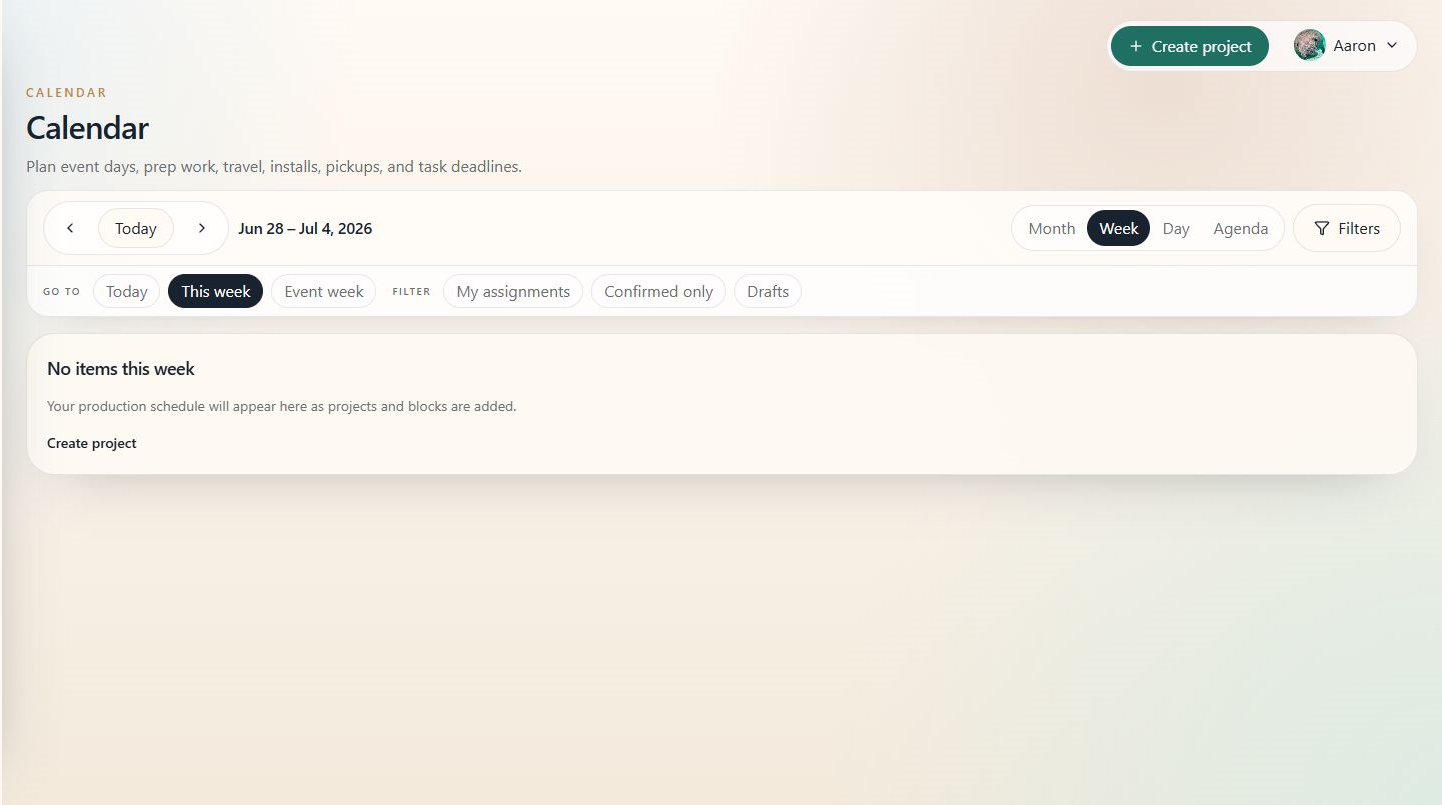
The Calendar shows event dates, setup windows, teardown windows, and task due dates across projects.
When to use this
Use the Calendar when you need to plan crew, travel, staging, production timing, and busy weeks across multiple projects.
Steps
- Open Calendar.
- Choose the view that fits the question: month for volume, week for production timing, day for detail, or agenda for a list.
- Use filters to narrow the calendar by project, client, assignee, block type, or status.
- Select an item to see more detail.
- Open the related project when timing needs to be updated.
Tips
- Use week view for production planning meetings.
- Use agenda view when the month is crowded.
- If the calendar looks empty, check whether projects have event dates and schedule blocks.