Reports
Reports turn project details into a shareable PDF for internal operations or client-facing communication.
When to use this
Generate a report when the team needs a production packet, when a client needs a summary, or when you want a snapshot of the current project plan.
What the dialog covers
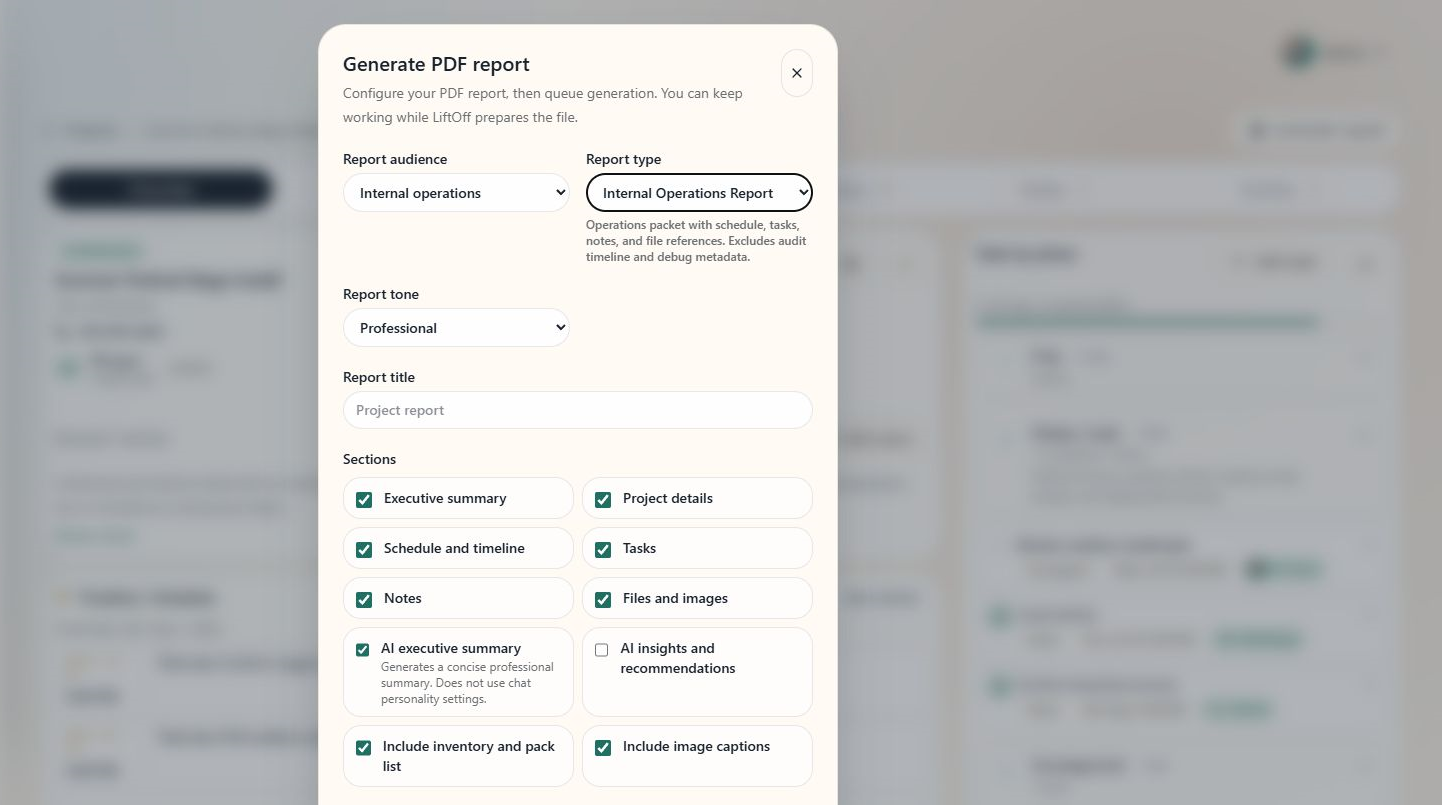
The screenshot shows report audience, type, section selection, and layout options before you generate a PDF.
Tips
- Use internal reports for crew and operations details.
- Use client-facing reports when the recipient should not see internal notes.
- Review AI summaries before sending the final PDF.
See also
For report types, sections, file display modes, and print options, see Generating Reports.