Creating a Project
Create a project when a new event, installation, or production moves into planning. A project keeps the client, event details, schedule, files, team, tasks, and notes together.
When to use this
Use this workflow for new inquiries, confirmed bookings, repeat event templates, and projects started from photos or documents.
What to capture in the form
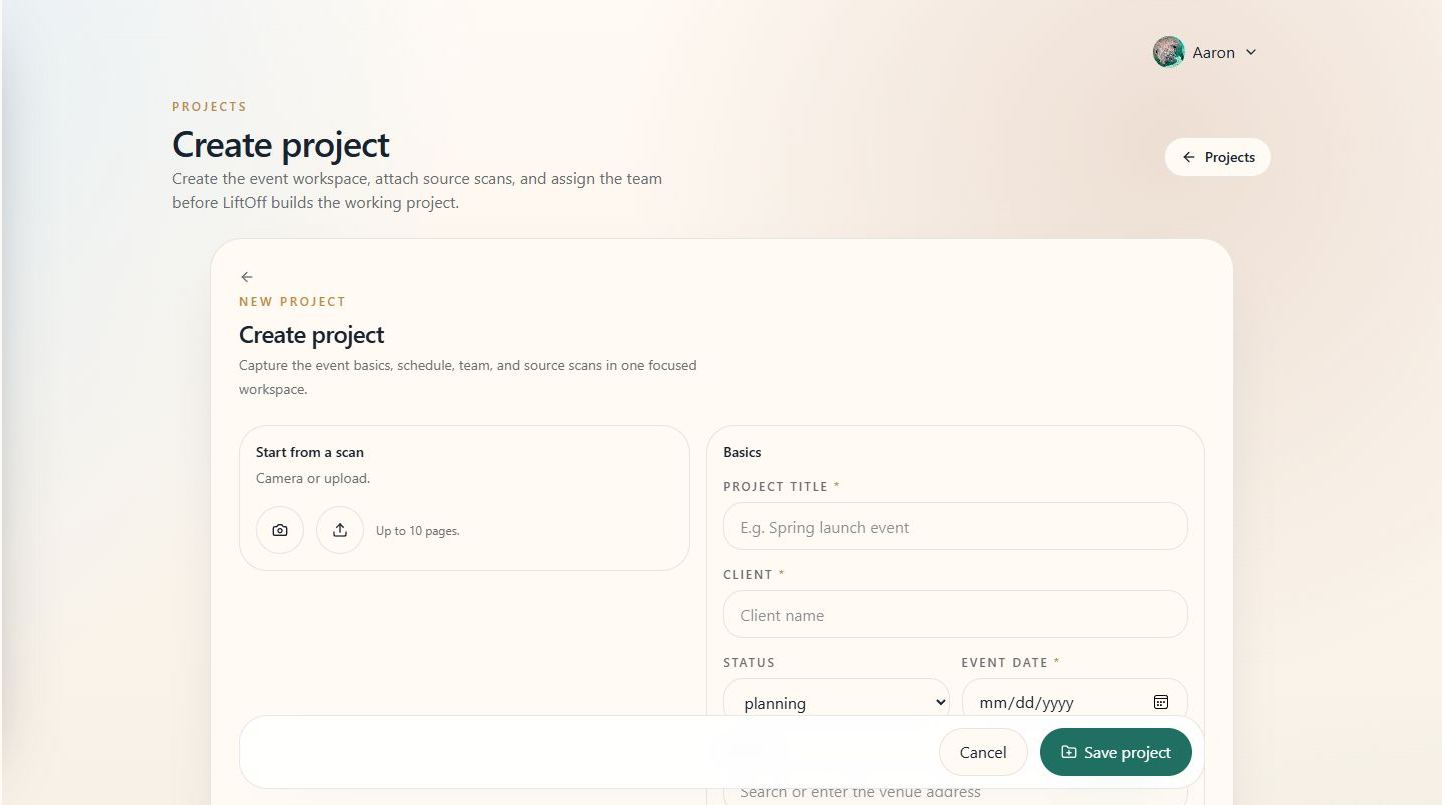
The screenshot above shows the main fields: title, client, event date, venue, schedule times, team, and optional uploads for AI-assisted drafting.
Tips
- Start with the details you trust. You can fill in missing schedule and team information later.
- Use scans or uploads for briefs, mockups, floor plans, and inspiration boards.
- Review AI-created details before sharing them with the team or client.
See also
For step-by-step creation paths (Quick Add, new project page, AI draft), see Creating a Project.