Notes and AI Suggestions
Notes capture decisions, production details, vendor updates, weather plans, and other context that should stay with the project. LiftOff can also use project context to suggest tasks when AI features are enabled.
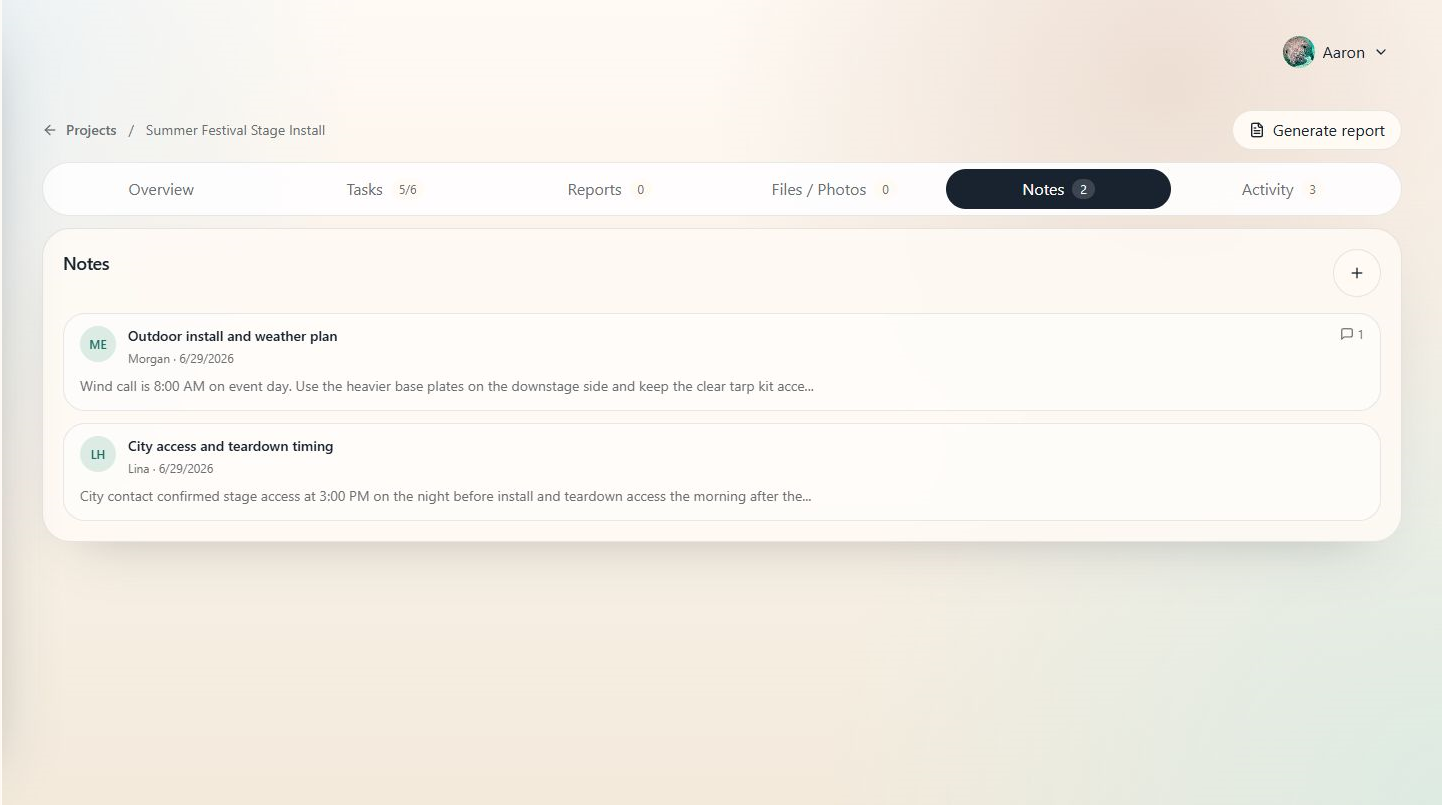
When to use this
Use notes whenever project knowledge would otherwise live in a text thread, email, or someone's memory.
Steps
- Open the project.
- Select Notes.
- Choose Add note to create a new note.
- Add a clear title and body.
- Attach related files when helpful.
- Save the note.
- If AI suggestions are available, review suggested tasks before accepting them.
Tips
- Write notes in plain production language: what changed, who confirmed it, and what action is needed.
- Add photos, PDFs, or mockups as attachments when they explain the note.
- Treat AI suggestions as a checklist starter. A production lead should still approve the final tasks.