Team and Company Settings
Team and company settings control who can work in LiftOff and how the workspace appears in reports, notifications, and project workflows.
When to use this
Use these settings when onboarding staff, changing roles, updating the company profile, or preparing workspace defaults.
Steps
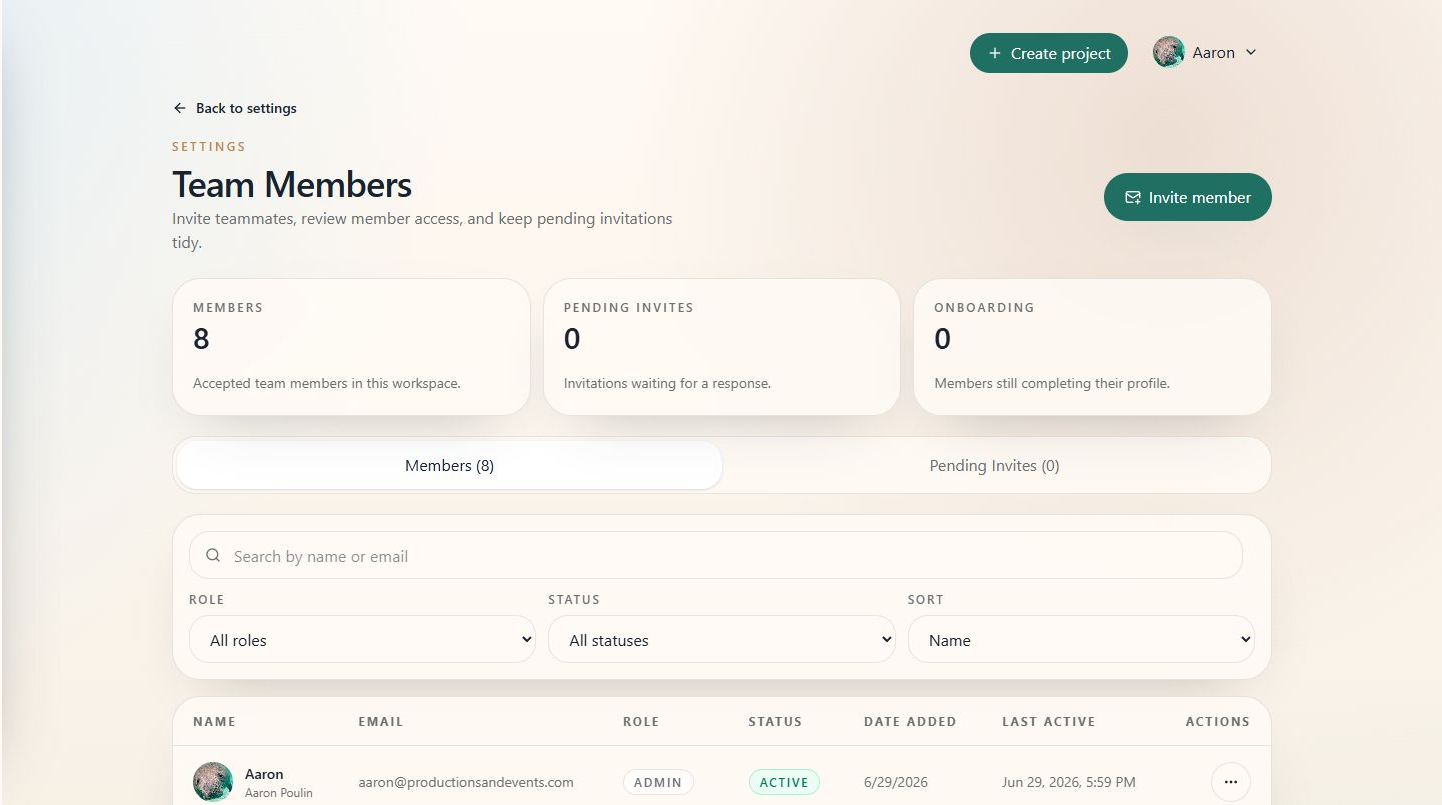
- Open Team to review workspace members and invitations.
- Invite new members with the correct role.
- Update member roles when responsibilities change.
- Open Settings for company-wide setup areas.
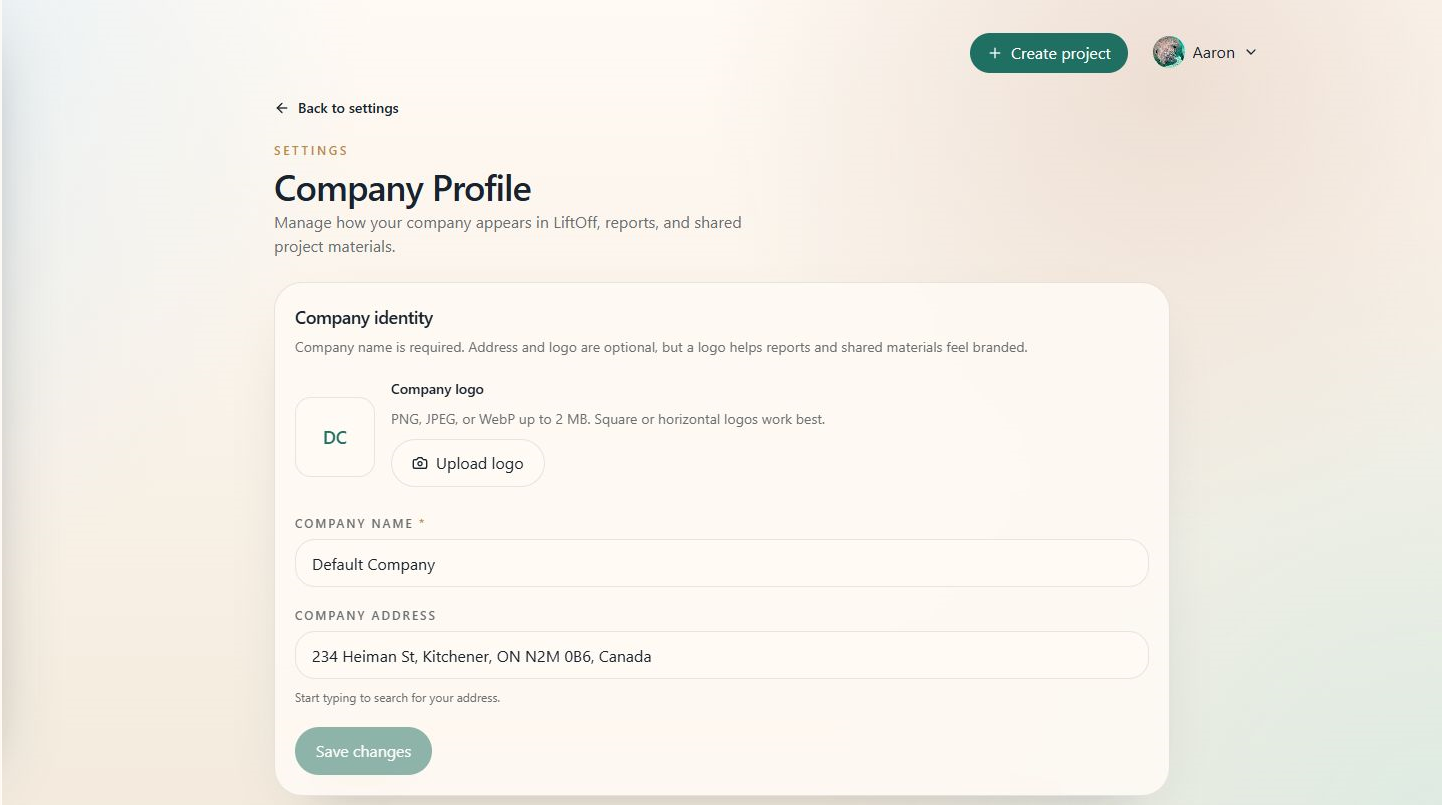
- Open Company profile to update company display information.
- Review planning, schedule, report, notification, and AI settings as your workflow matures.
Tips
- Give users the lowest role that still lets them do their work.
- Keep company profile information consistent with report branding.
- Review settings before a busy season so defaults do not need to be fixed project by project.