Reviewing Generated Tasks
LiftOff can generate tasks after AI-assisted project setup or when a user asks for suggestions. Generated tasks should be reviewed before they become part of the working plan.
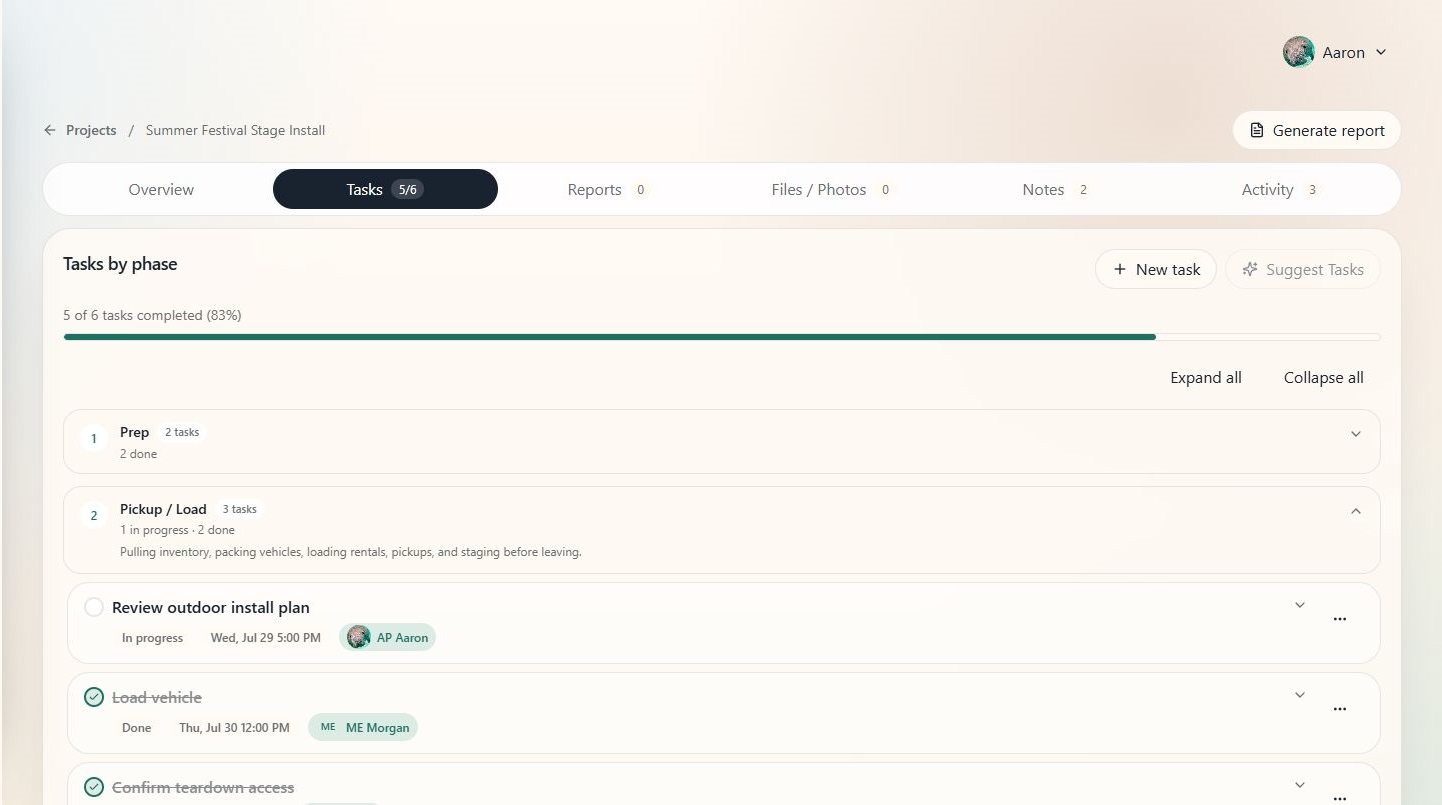
When to use this
Use review when LiftOff has suggested setup, inventory, pickup, load-in, event, or teardown work and you need to decide what belongs in the plan.
Steps
- Open the project.
- Look for a project review prompt or suggested task list.
- Read each suggested task title, phase, due date, and assignee.
- Keep useful tasks, edit anything that needs different wording or ownership, and dismiss tasks that do not apply.
- Save the approved tasks.
- Confirm that accepted tasks appear in the project Tasks section.
Tips
- Review suggestions before assigning crew.
- Edit vague tasks into specific production actions.
- If a review prompt is not visible, the project may not currently have generated items waiting for approval.